
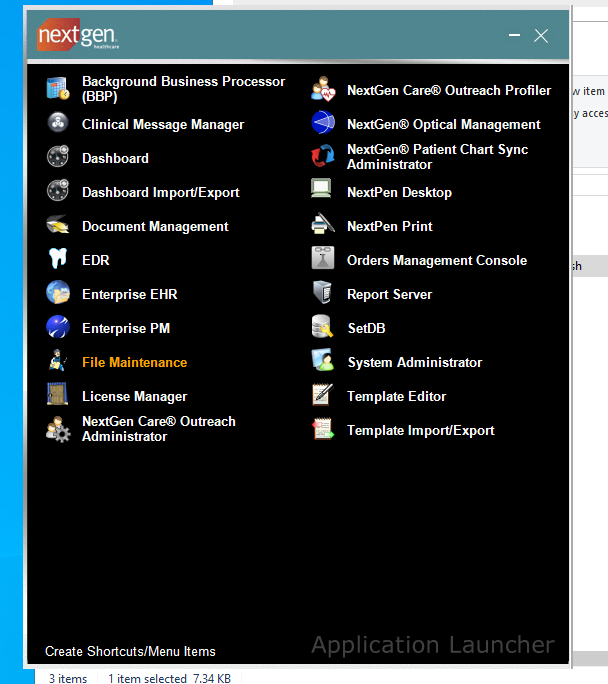
In Nextgen Enterprise, open File Maintenance:
Left hand side menu:
Master Files -> system -> ehr:
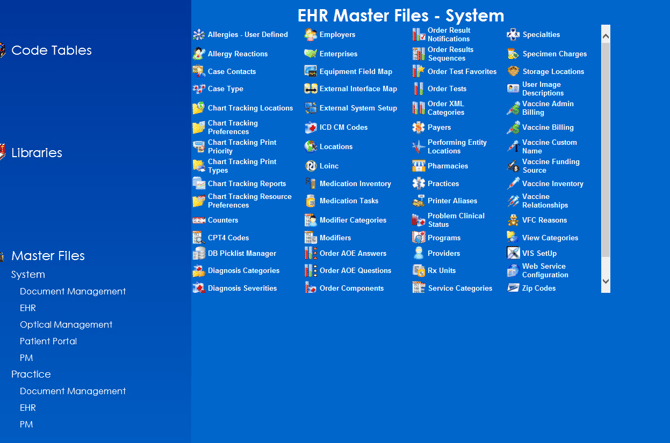
Then open Order Tests, you sometimes need to search to refresh list
Make sure your Order Test key is a numerical value.
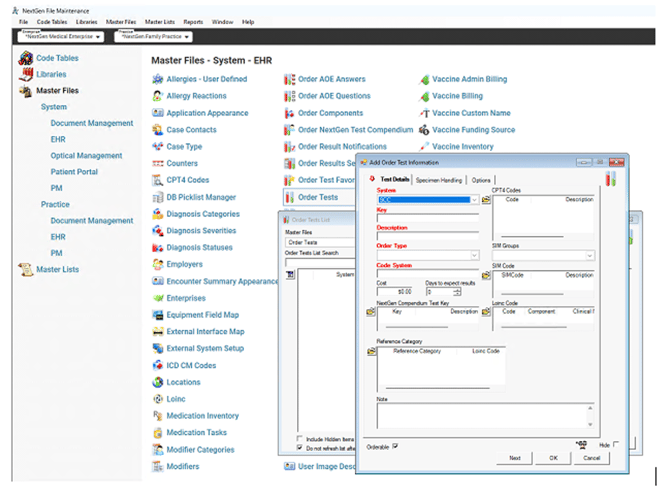
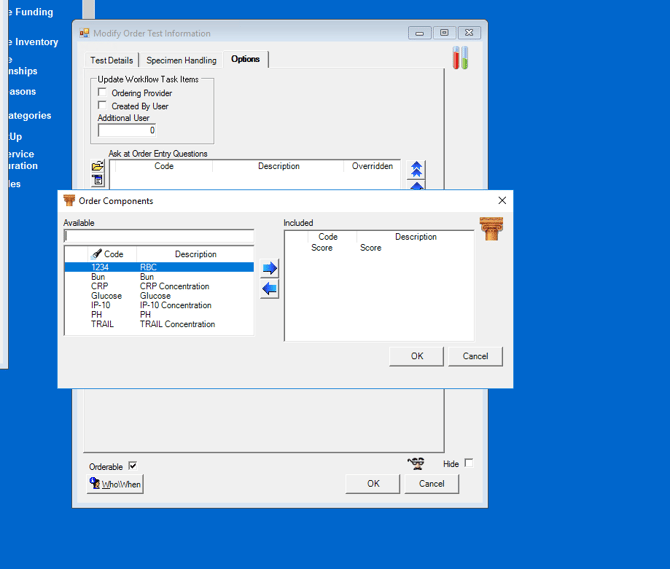
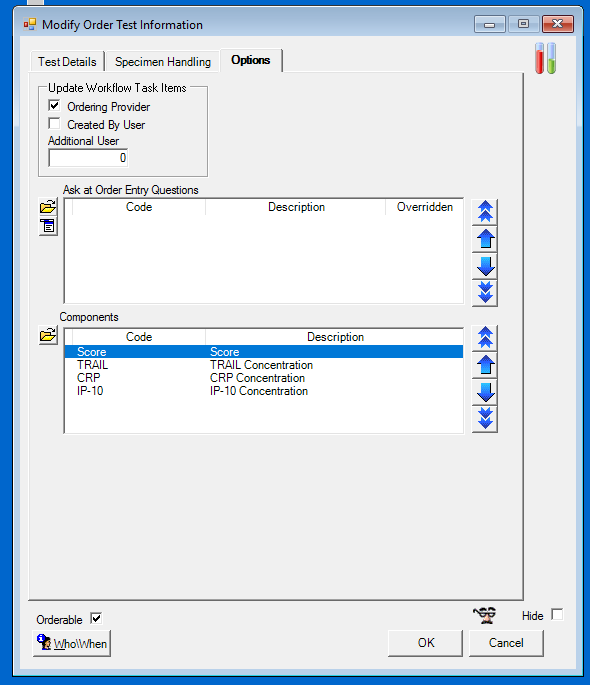
Add your Relaymed orders under InHouseLab list search:

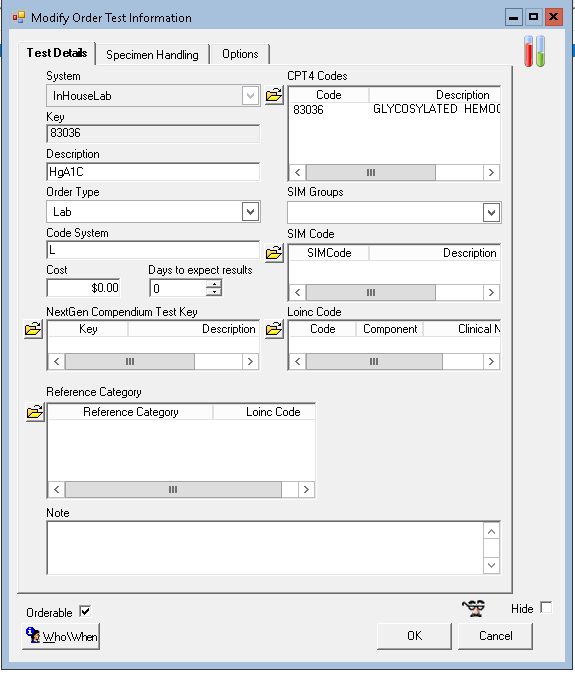
Common issues
If you cannot find the InHouseLab category under the "Performing Entity" when trying to select an order, try these steps:
File Maintenance > Master Files > System > EHR > Practices > Preferences > Orders Module
In the Order Type and Default Source section, you can set the default source for Lab Orders.